Let your AI handle
the repeats.
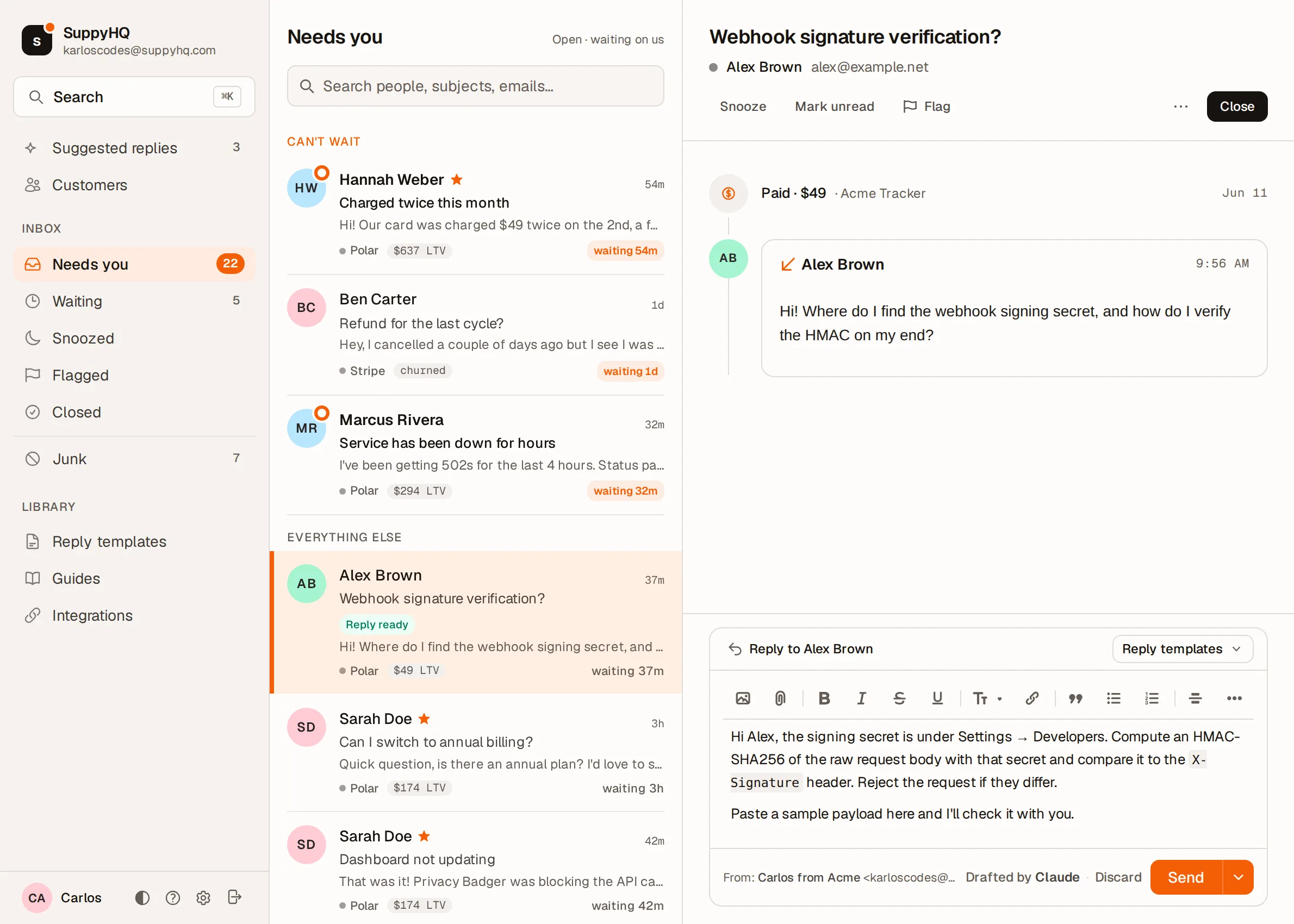
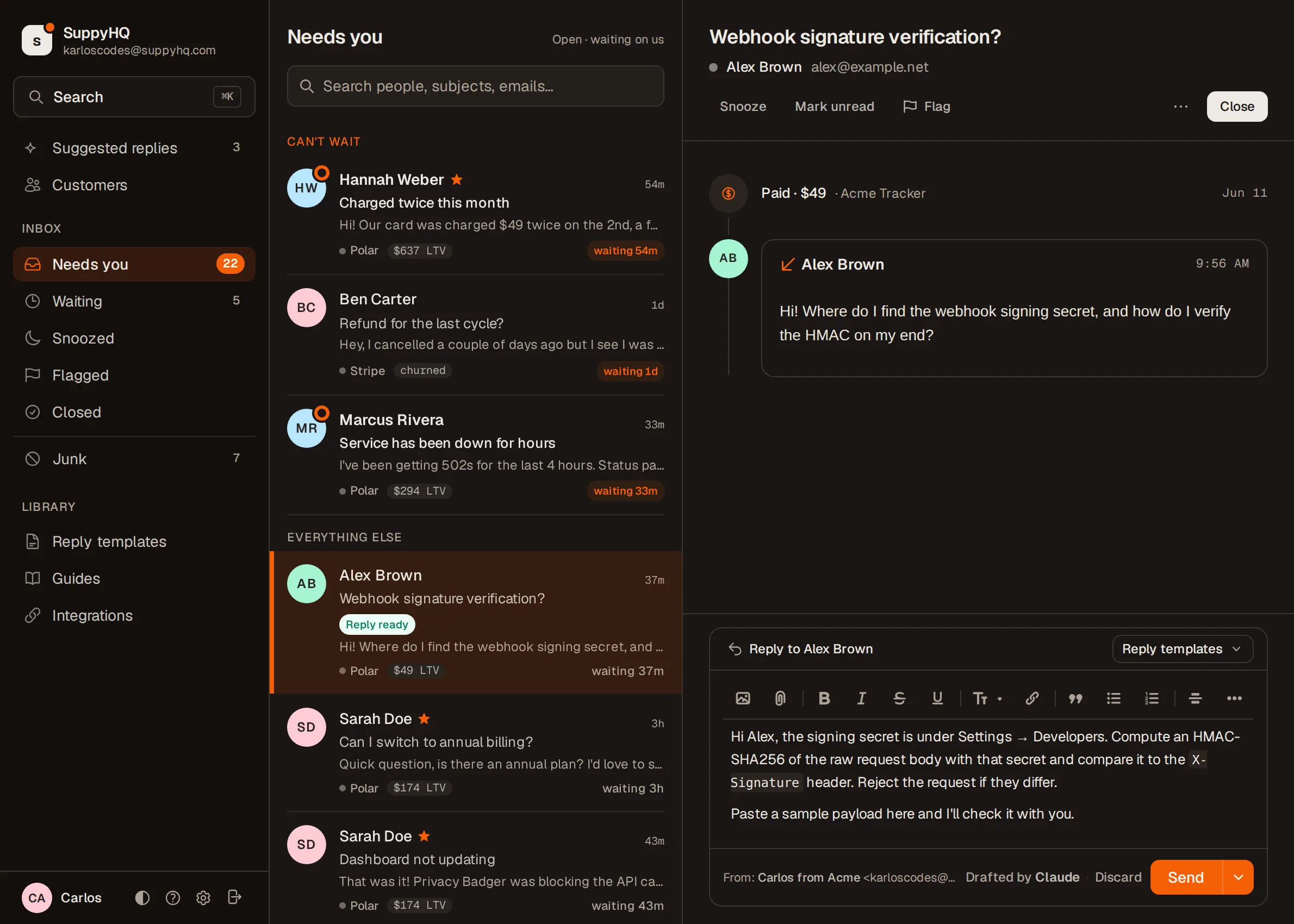
Connect your AI to your support inbox. It reads the customer's profile and past replies. Reading, drafting and sending are three separate permissions, so you decide how far it goes.
SuppyHQ brings the inbox. Your AI brings the product knowledge.
Sarah Doe
sarah@example.com · monthly, $174 LTV
Quick question: is there an annual plan? I'd love to save a bit if I'm committing for the year.
Sarah · 4 minutes ago
Hi Sarah, yes. Annual is $190/yr, about $38 less than paying monthly. You can switch in Settings → Billing, and the rest of this month carries over. Anything else?
Sent by Claude on behalf of Carlos.
Not another support chatbot.
A chatbot reads your help docs and guesses. Your AI reads the customer.
A support chatbot
Trained on your help docs. It pattern-matches the question, pastes the closest article, and hopes. It has never seen the person writing in: what they paid, which plan, what they asked last week.
Your AI, in SuppyHQ
Works with the agent you already use: Claude Code, Cursor, Codex, OpenCode. It inspects the thread first, every payment, the active plan, every past conversation, then drafts like someone who knows the customer, because it does.
Three ways to use it.
Pick how far it goes. Every AI reply says so.
Auto-send, at your own risk
It replies to people you know.
The first reply to someone new waits as a draft until you've written to them yourself. Every reply goes through the 30-second cancel window. The email says who wrote it.
"Handle follow-ups to people I've already answered."
Draft mode
AI writes. You hit send.
It saves drafts to your composer. You skim, edit, send. A good place to start.
"Draft a refund reply matching how I usually answer."
Read only
AI looks things up. You write.
Customer history, payment status, past threads, all pulled before you type a word. The reply is yours.
"Show me Sarah's history before I reply."
The reply tells the truth.
Every email tells the customer who sent it. No fake signature, no pretending.
When you reply
Settings → Export, Sarah. The zip lands in your email within a minute.
Carlos
SuppyHQ
When AI replies
Settings → Export, Sarah. The zip lands in your email within a minute.
Sent by Claude on behalf of Carlos.
When AI replies, the email says so. When you reply, it's just you.
One curl. Plugin, skill, and MCP.
The installer drops the binary on your $PATH, installs the plugin into every agent it finds, and registers the suppyhq MCP server. Then suppyhq auth login opens a browser. Click Allow, you're done.
Already have an agent?
One command each. You get the skill and the suppyhq MCP server. Restart the session after.
Claude Code
suppyhq setup claude Plugin, skill, and the MCP registration hint.
Cursor
suppyhq setup cursor Skills are per project, so run it in the repo you want it in.
Codex
suppyhq setup codex Skill and plugin manifest.
opencode
suppyhq install-skill --target=opencode Loads Agent Skills directly. Add suppyhq mcp as a stdio server.
Claude Code and Cursor can also install it as a plugin from the repo. Everything is in the README.
Using Grok Bot or another agent? Step-by-step setup.
Open source · MIT · github.com/karloscodes/suppyhq-cli
A few honest answers.
- How does login work?
- suppyhq auth login opens your browser, you click Allow, the token saves to your machine. Never your clipboard, never your shell history, never your AI's context. Same flow gh auth login uses.
- Will the AI hallucinate?
- It can. Run the skill in a session that already knows your product (a Claude Code project rooted in your codebase, for example). The skill brings the inbox surface; your AI brings the facts to cite from.
- Can the AI email my customers on its own?
- Only if you tick the box that says so. Reading and drafting come with the connection. Sending is a separate permission on the Allow screen, and it starts unticked. Leave it off and the agent writes into your composer but can't reach anyone, no matter what you ask it to do.
- What if it sends something wrong?
- Every reply waits 30 seconds before it goes, cancellable from your inbox, the same as one you typed. The customer's copy carries a footer naming the agent, so nobody is told you wrote something you didn't. Rewrite the draft yourself and the footer goes with your words.
- Does this lock me into one AI?
- No. The CLI works on its own and the skill plugs into Claude Code, Cursor, Codex, OpenCode. Switch anytime. Your data lives in SuppyHQ, not the agent.
- Is the CLI really open source?
- MIT, on GitHub.
Sign up.
$29/mo, for Teams too during the beta. Free for the first 10 people who write in. No card.
Read next: Every feature · Stay in the conversation · Pricing